1
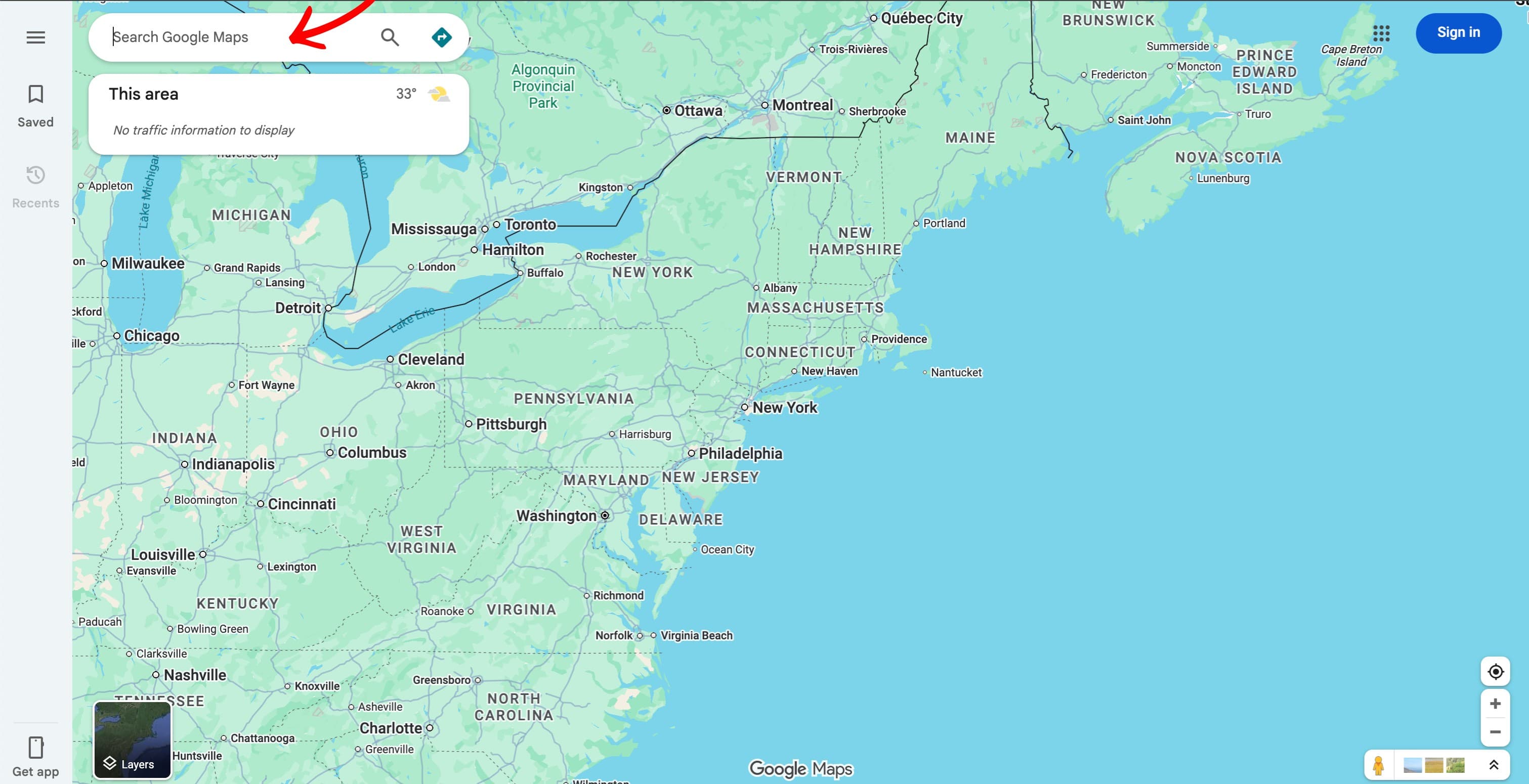
Open Google Maps
Go to maps.google.com and load the search field.

Use these examples to submit the correct listing URL format for each platform.
Use the public Google Maps listing URL from the Share modal.
Go to maps.google.com and load the search field.
Enter your business name and open the correct place profile.
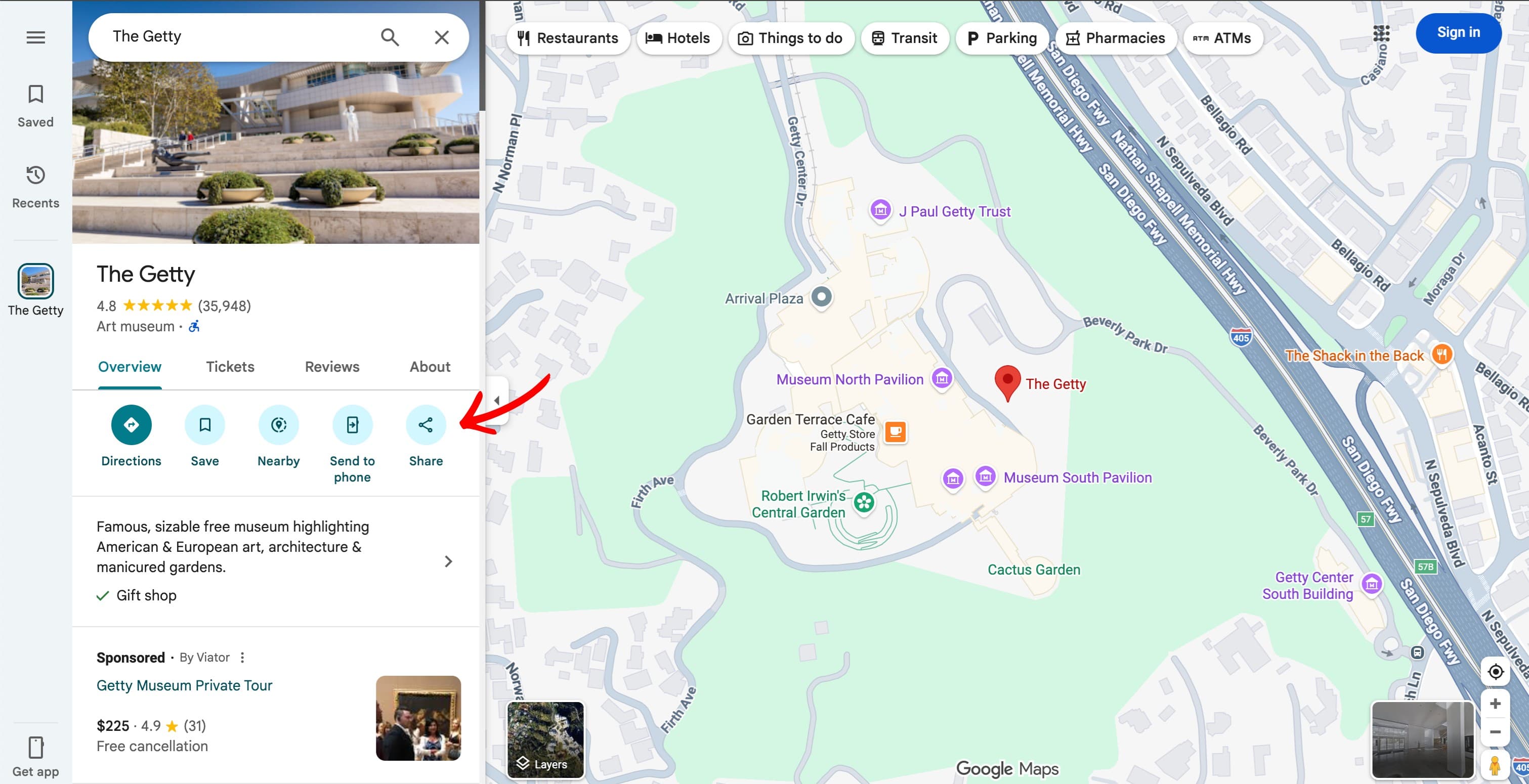
Press the Share button inside the listing actions.
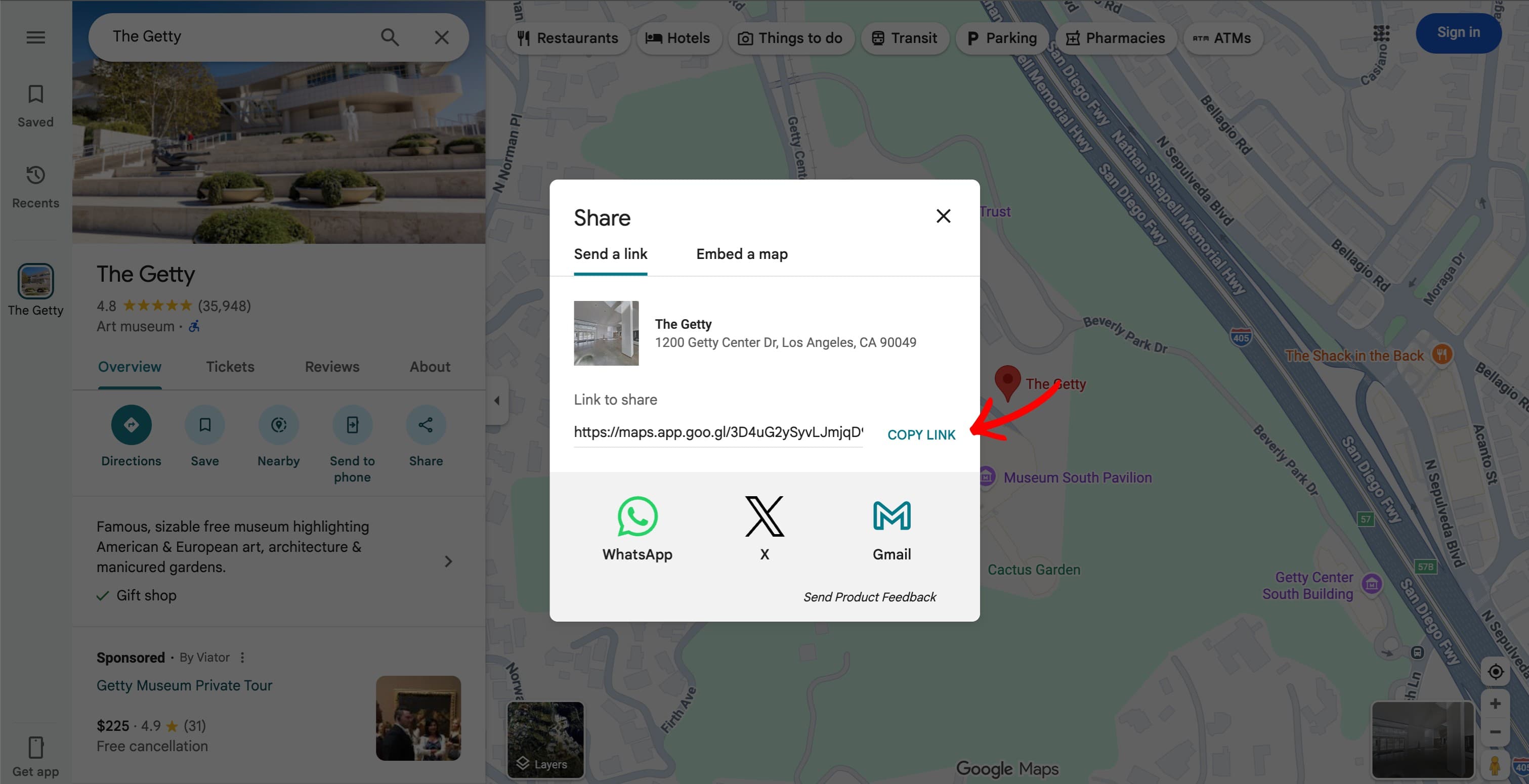
Click Copy link and paste the full URL into your listing URL field on Buzz Bandit.
Submit your exact public Trustpilot review page URL.
Go to trustpilot.com and search for your company name.
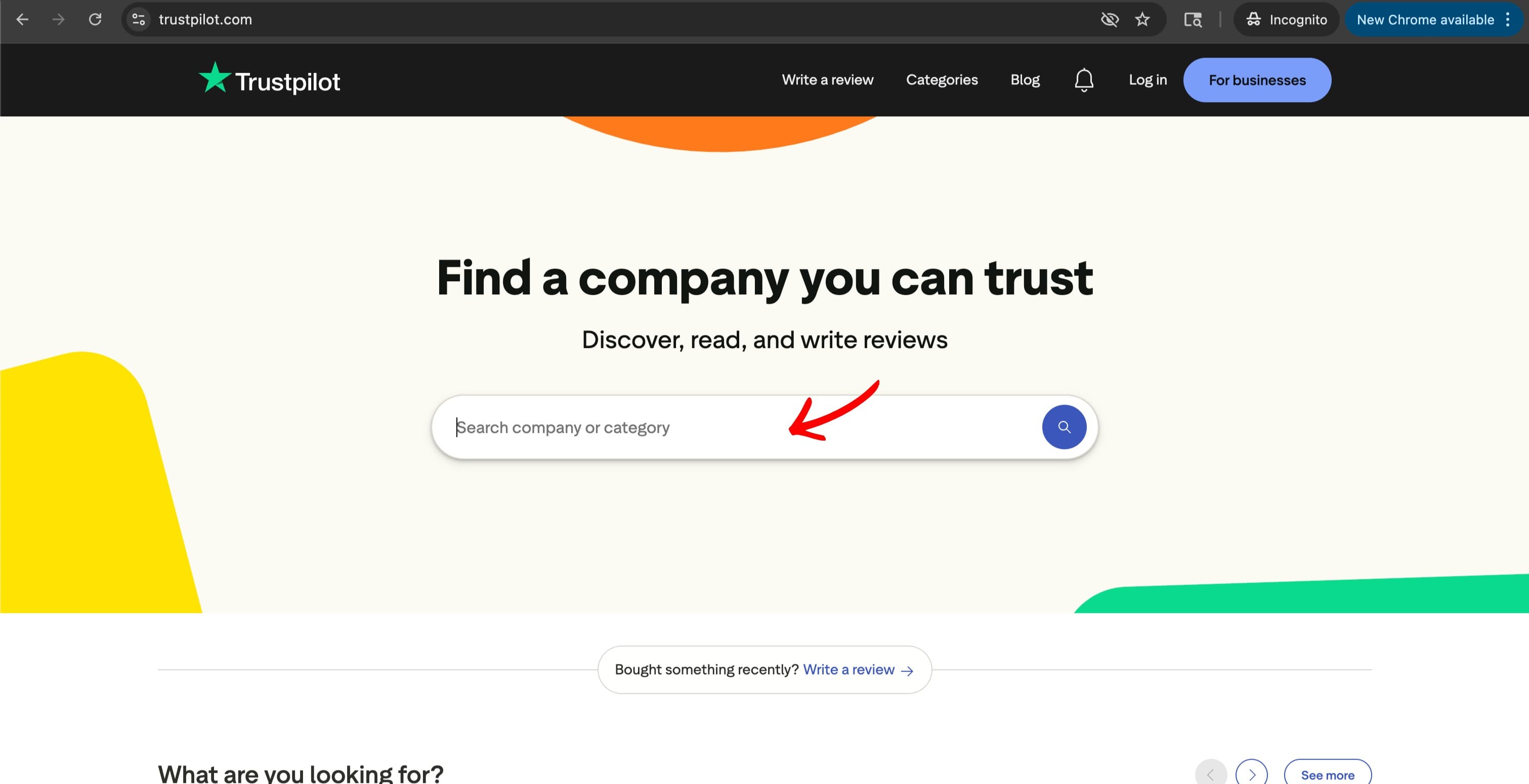
Select the correct listing and confirm it is your business.
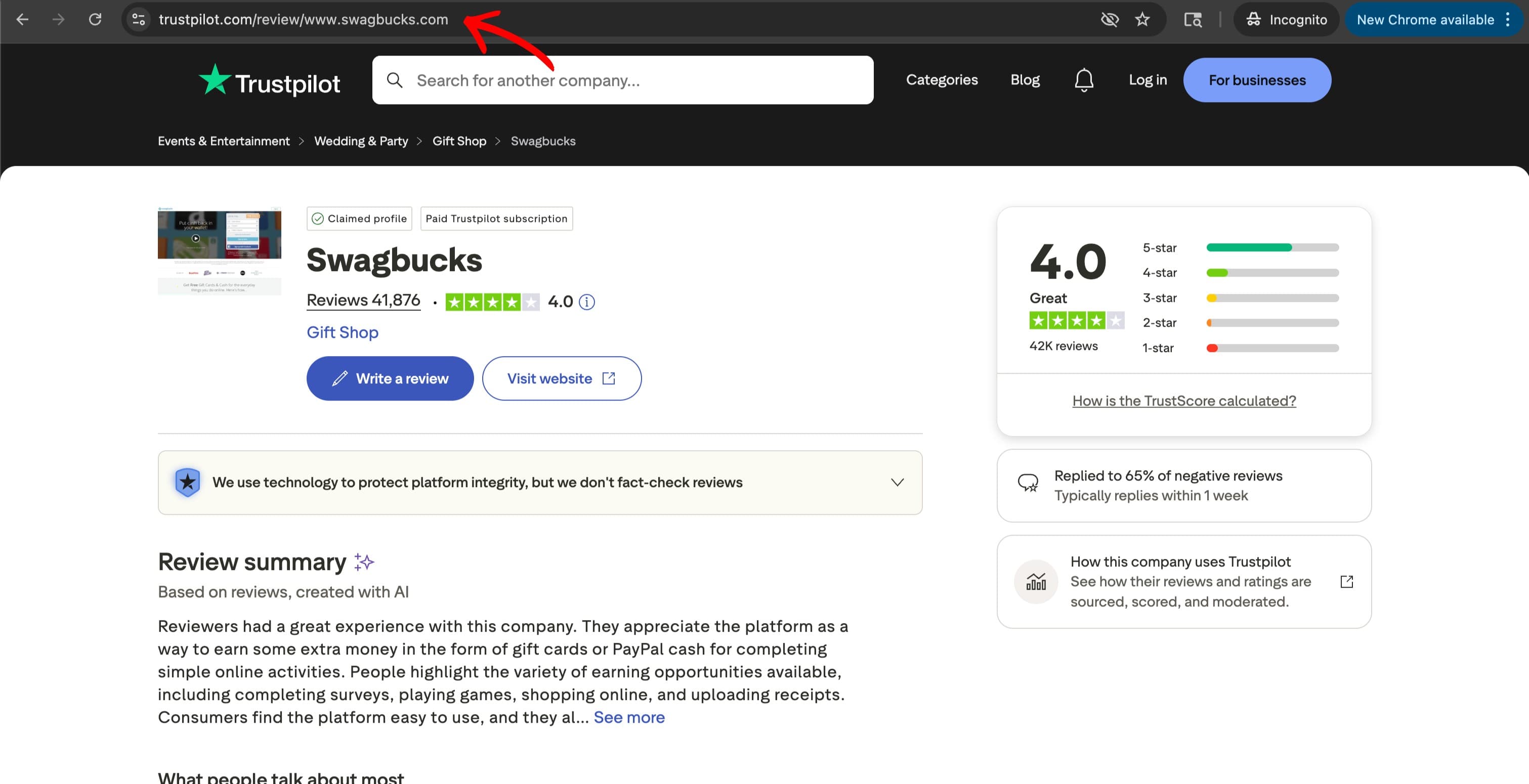
Copy the browser URL (example format: trustpilot.com/review/yourdomain.com) and paste it into your order.
Submit the direct Tripadvisor listing URL from your business page.
Open tripadvisor.com and search for your business.
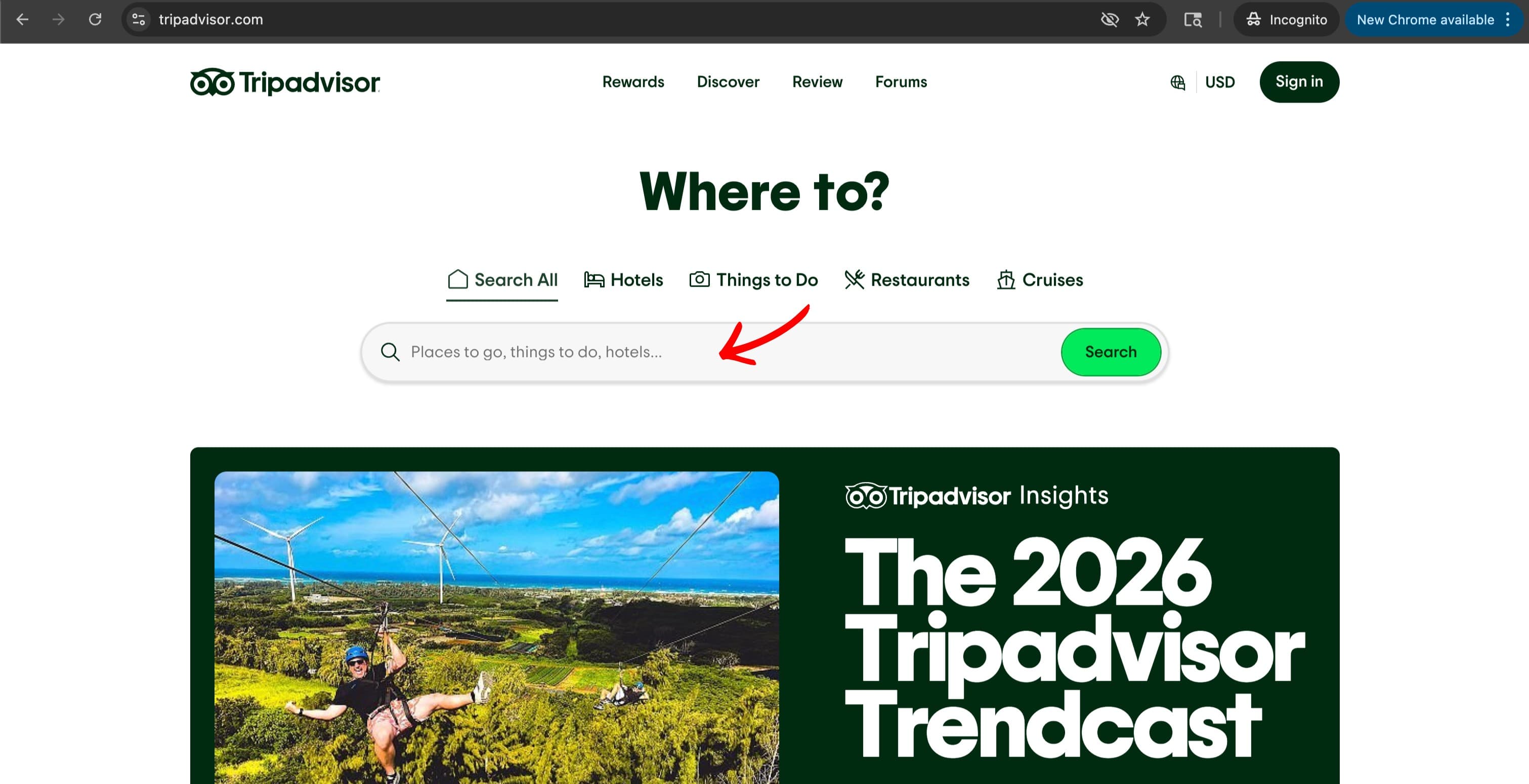
Click your business result and confirm the listing details are correct.
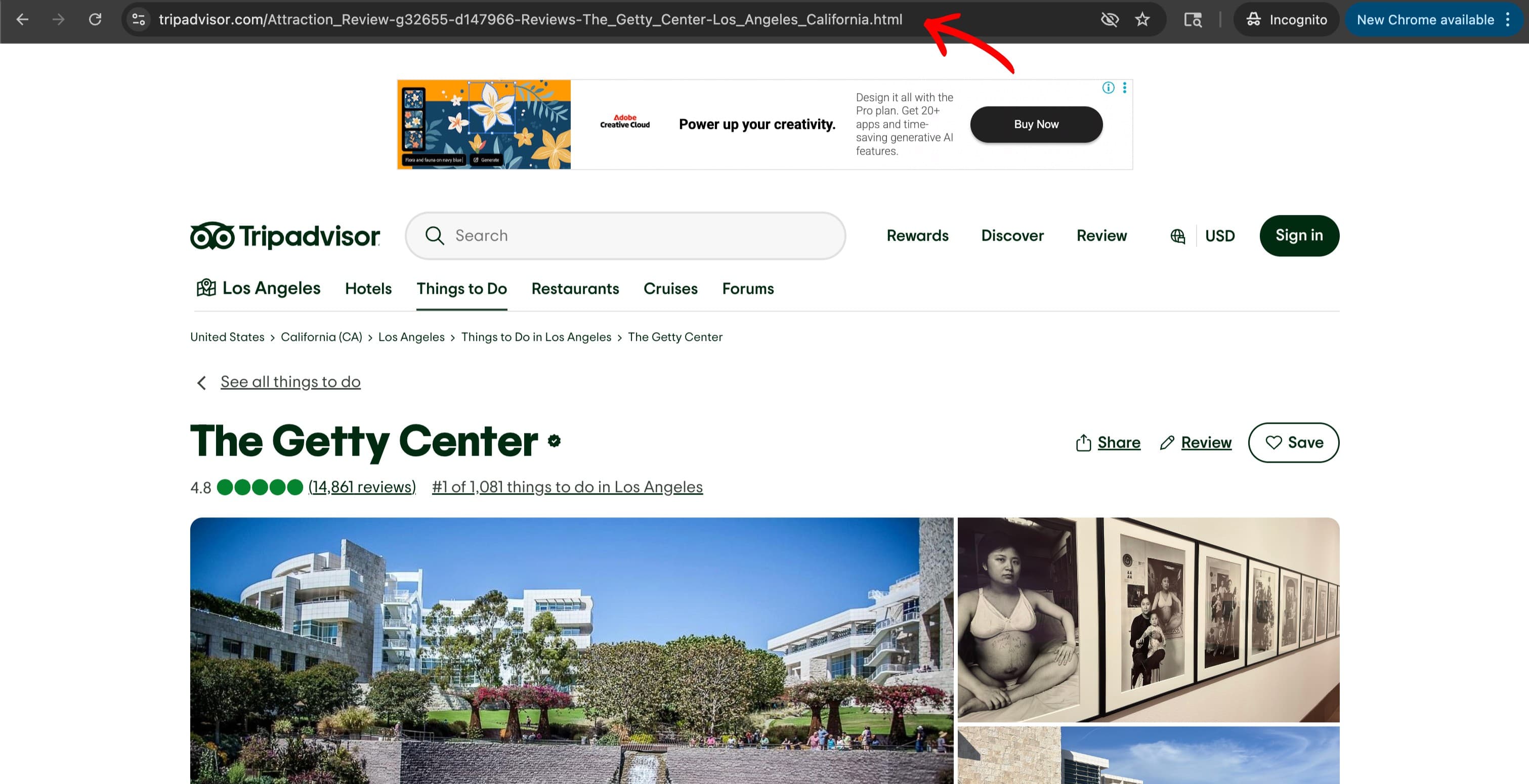
Copy the listing URL from the address bar and submit it in your listing URL field.